Sales Tax Basics
How Do You Calculate Sales Tax Backwards?
- Reverse sales tax
- Tax calculation
- Sales tax calculator
Sometimes you know the total amount paid but not the original price or the sales tax included in it. This can happen when reviewing a receipt, checking an expense, or working with a price that already includes tax. Reverse sales tax calculation helps separate the original price from the tax portion.
Table of Contents
- When Do You Need Reverse Sales Tax?
- The Reverse Calculation Formula
- Worked Example
- More Examples
- How to Check Your Answer
- Common Mistakes
- Frequently Asked Questions
- Final Thoughts
When Do You Need Reverse Sales Tax?
Use reverse calculation when the amount you have already includes sales tax and you need to identify the pre-tax price or the tax component. It is different from adding tax to a price because the starting point is the final amount.
Common examples include splitting a receipt into price and tax for an expense report, checking that a store charged the right tax, and working out the price behind a tax-inclusive sticker.
The Reverse Calculation Formula
Convert the tax rate to a decimal and add 1 to it.
- Pre-tax price = tax-inclusive total ÷ (1 + tax rate as a decimal)
- Sales tax = tax-inclusive total − pre-tax price
Worked Example
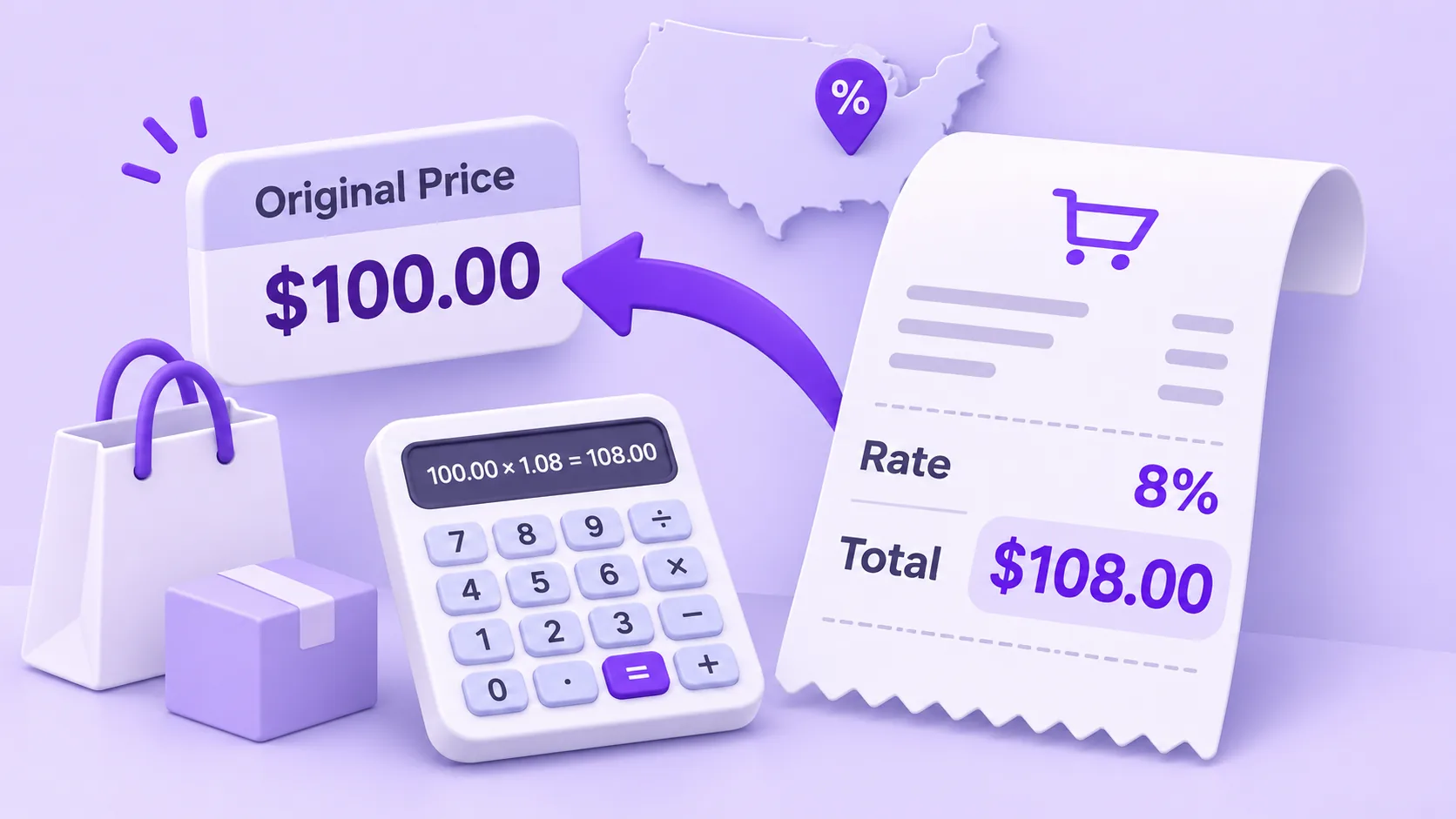
Suppose a receipt shows a total of $108, including tax at an assumed rate of 8%.
- Convert 8% to 0.08.
- Add 1 to get 1.08.
- Divide $108 by 1.08 to get $100.
- Subtract $100 from $108 to get $8 in tax.
The pre-tax price is $100, and the included tax is $8.
More Examples
At the same illustrative rate of 8%:
| Total paid | Pre-tax price | Sales tax |
|---|---|---|
| $32.40 | $30.00 | $2.40 |
| $54.00 | $50.00 | $4.00 |
| $108.00 | $100.00 | $8.00 |
| $270.00 | $250.00 | $20.00 |
How to Check Your Answer
Add the calculated tax back to the pre-tax price. In this example, $100 + $8 = $108. This confirms the calculation.
You can also multiply the pre-tax price by the rate: $100 × 0.08 = $8, which matches the tax you found.
Common Mistakes
A frequent mistake is subtracting 8% of $108 from the total. That does not reverse an 8% tax added to the original price because the tax was calculated on the pre-tax amount, not the final amount. Subtracting 8% of $108 gives $99.36, not $100.
Also, confirm that the total includes only the tax rate you are reversing. Multiple taxes or non-tax charges can require additional information:
- Shipping, tips, fees, and discounts need separate treatment.
- Use the combined rate actually applied to the sale, not just the state rate.
- Items taxed at different rates on one receipt cannot be reversed with a single formula.
Frequently Asked Questions
Can I calculate the original price if I know only the total?
You also need the applicable tax rate or another reliable way to determine the tax included.
Is reverse sales tax the same as a discount calculation?
No. A discount and a tax-inclusive price use different calculation methods.
Why might my answer differ by a cent?
The receipt may use a particular rounding method or calculate tax on individual items before adding them together.
Can I reverse a total that includes items taxed at different rates?
Not with one formula. Separate the items by rate first, or use the itemized receipt to find each taxable amount.
Final Thoughts
Reverse sales tax calculation helps you separate a tax-inclusive total into its original price and tax portion. Use the correct rate and check the result by adding the components back together. The Sales Tax Calculator has a reverse mode that does this for you.
Enjoyed this post?
Share it with your network