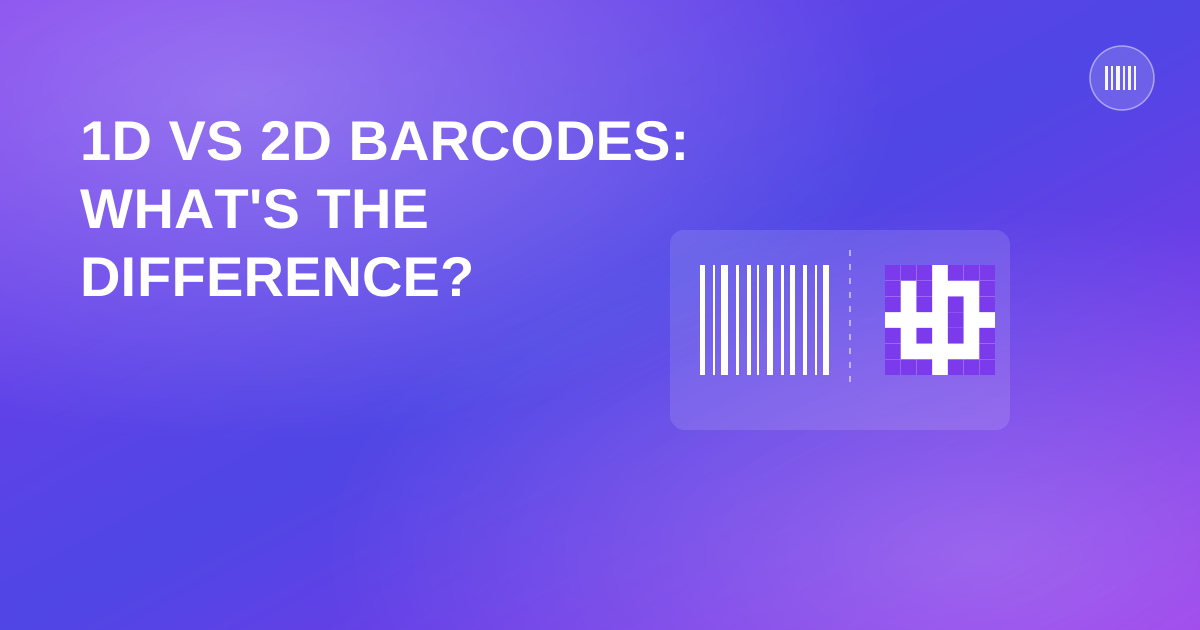
1D vs 2D Barcodes: What's the Difference and When to Use Each
The short answer: a 1D barcode is the classic striped pattern that stores a short number, usually a lookup key. A 2D code — QR, Data Matrix, PDF417 — stores far more information in a compact square or rectangular pattern and doesn't need a laser scanner to read it. Beyond that, the differences matter more than most people assume when they're picking a format for a new labeling project.
What actually makes a barcode "1D"
A 1D, or linear, barcode encodes data in one direction: the width and spacing of vertical bars, read left to right. UPC-A, EAN-13, and Code 128 all fall into this category. Because the data is encoded along a single axis, there's a hard ceiling on how much a 1D barcode can realistically hold — usually somewhere between 20 and 40 characters depending on the symbology, and in practice most retail barcodes only need 12 to 13 digits anyway.
1D barcodes were designed for a specific job: a fast, reliable lookup key at a checkout counter, using dedicated laser scanners built decades ago. That's still what they're best at.
What makes a code "2D"
A 2D code encodes data both horizontally and vertically, in a grid of small squares (QR) or dots (Data Matrix) rather than a line of bars. That two-dimensional structure is what allows it to hold dramatically more information. A QR code, for example, can encode up to roughly 4,300 alphanumeric characters at its largest standard size — enough for a full URL, a block of contact details, or a chunk of structured text, not just a short numeric key.
2D codes are also readable by ordinary smartphone cameras, which is a big part of why they took off outside industrial and retail settings. You don't need dedicated scanning hardware to read one. You can create one instantly with our QR code generator.
Storage capacity, side by side
- UPC-A / EAN-13 — 12–13 digits, numeric only.
- Code 128 — up to around 40–48 characters, supports letters and symbols.
- QR code — up to roughly 4,300 alphanumeric characters, or about 7,000 numeric-only characters.
- Data Matrix — similar data density to QR but in a smaller physical footprint, popular for labeling small parts and electronics.
That gap in capacity is the entire reason both formats still exist side by side instead of one replacing the other.
When to use which
Use a 1D barcode when:
- You're selling through a retail checkout system, which is built around UPC or EAN.
- You just need a short, unique lookup key — an inventory SKU, an asset tag, a shipping ID.
- You're working with existing scanning hardware that's only built to read linear codes.
Use a 2D code when:
- You want to encode more than a short number — a URL, a set of instructions, structured product data.
- The label has to be scanned by a phone camera rather than dedicated hardware, like a QR code on packaging, a menu, or an event ticket.
- Physical space is tight and you need to pack a lot of information into a small area, which is why Data Matrix is common on small electronic components.
Plenty of modern barcode scanners read both formats now, so "which scanner do I own" matters less than it used to. The real question is almost always about how much data you actually need to encode, and who's doing the scanning — a cashier's dedicated scanner, or a customer's phone.
Which one should your business actually use
If you're labeling physical retail products for checkout, you don't really get to choose — UPC or EAN is the standard your point-of-sale system and retail partners expect. For internal inventory, shipping, marketing materials, or anything meant to be scanned by a customer's phone, the decision comes down to how much information you actually need attached to that code. A short lookup number doesn't need the extra capacity of a QR code. A link to a product page, a warranty registration form, or a set of care instructions does.
A common misconception worth clearing up
People sometimes assume 2D codes are simply a newer, better version of 1D barcodes, destined to replace them eventually. That's not really how the adoption has played out. Retail checkout infrastructure — the scanners built into registers worldwide — is built around linear symbologies, and replacing that hardware fleet industry-wide isn't happening just because QR codes became popular for marketing. The two formats solve different problems and tend to coexist within the same business: a UPC on the product for checkout, a QR code on the packaging for warranty registration or a link to care instructions, printed side by side without conflict.
Quick answers
Can a 1D barcode hold a website URL? Not practically. 1D formats are built for short numeric or alphanumeric keys, not full URLs. Use a QR code for that.
Do I need a special scanner to read a QR code? No — any modern smartphone camera can read a QR code natively or with a free app.
Is a QR code more secure than a barcode? Not inherently. Both just encode data. Security depends on what system processes that data afterward, not the format of the code itself.
Enjoyed this post?
Share it with your network