Barcode Basics
What Is Code 128? Subsets A, B, and C Explained
- Code 128
- barcode symbology
- GS1-128
- check character
- shipping labels
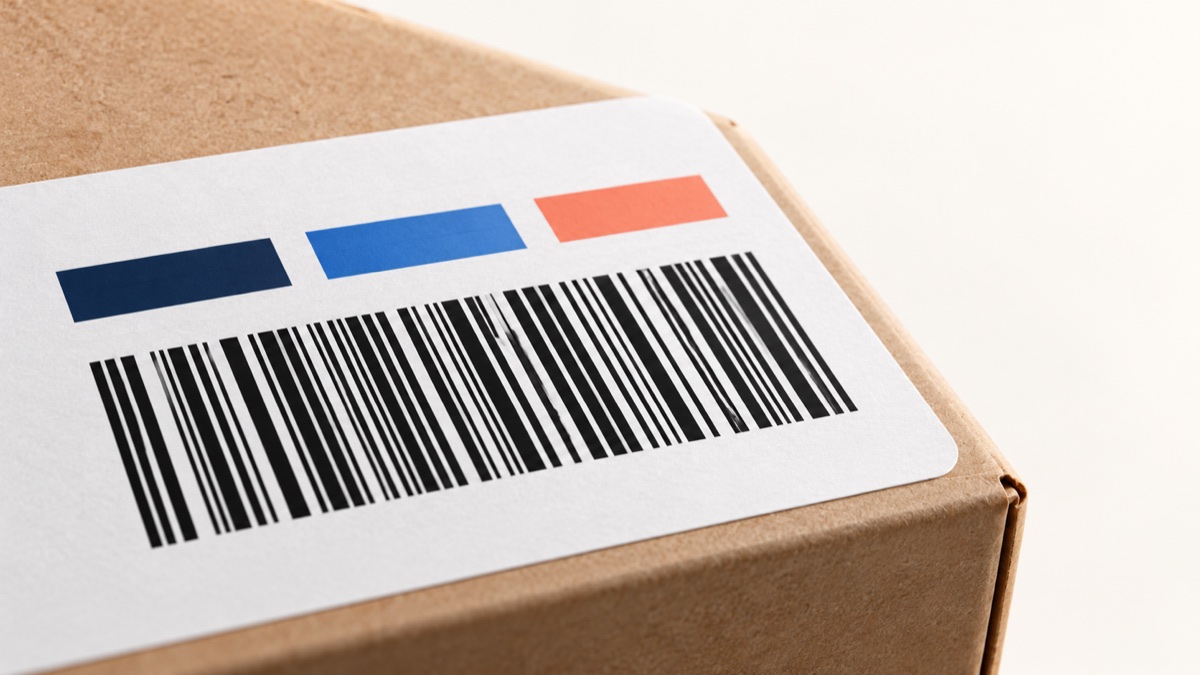
Code 128 is a one-dimensional barcode for compact alphanumeric data such as shipping references, warehouse locations, and internal IDs. Its three character sets, called subsets A, B, and C, let an encoder represent different kinds of data efficiently. You usually do not need to select a subset yourself: a capable encoder can choose a start set and switch sets inside the symbol.
Table of Contents
- What Is Code 128?
- How a Code 128 Barcode Is Built
- Code 128 Subsets A, B, and C
- How Switching Between Subsets Works
- How the Check Character Works
- Code 128 and GS1-128
- Which Subset Should You Use?
- How to Create a Code 128 Barcode
- Common Code 128 Mistakes
- Frequently Asked Questions
- Final Thoughts
What Is Code 128?
Code 128 is a linear symbology standardized by ISO/IEC 15417. It can represent the 128 ASCII values through its character sets and special function characters. It is widely used where a short text value must be scanned, including carrier labels, inventory tags, and asset labels. It is not a replacement for an assigned UPC or EAN on a retail consumer product.
For a general overview of barcode formats, see our barcode types guide. If you are choosing a format specifically for a parcel label, read the shipping barcode guide.
How a Code 128 Barcode Is Built
A Code 128 symbol has a blank quiet zone, a start character, encoded data, a calculated check character, a stop character, and another quiet zone. The quiet zones are clear space; they are not data. A scanner uses the start and stop patterns to locate and decode the symbol.
Most data characters use a pattern of 11 modules, where a module is the narrowest bar or space. The stop pattern uses 13 modules. Longer values generally make wider symbols, so compact encoding and a suitable label size both matter. Keep text, borders, and neighboring graphics outside the quiet zones, then test the final print with the scanner used in your workflow.
Code 128 Subsets A, B, and C
The A, B, and C subsets give the same Code 128 bar patterns different meanings. A start character identifies the initial subset; special code characters can switch to another set later in the same symbol.
| Subset | What it represents | Common fit |
|---|---|---|
| A | Uppercase letters, digits, punctuation, and ASCII control characters such as tab | Legacy or machine workflows that explicitly use control characters |
| B | Uppercase and lowercase letters, digits, and punctuation | Everyday mixed-case IDs such as Box-7b |
| C | Digit pairs from 00 through 99 | Long numeric strings that benefit from a narrower symbol |
Subset C stores two digits in one data character, so a long even-length numeric string can take roughly half as many data characters as it would in B. It cannot encode letters, punctuation, or a single unpaired digit by itself. A real symbol can combine subsets to handle a mix of letters and numbers.
How Switching Between Subsets Works
A code-set switch changes the interpretation of subsequent characters until another switch occurs. The Shift character is different: it temporarily changes between A and B for one character, then returns to the previous set. Encoders can use these controls to avoid wasting space on a long numeric run or a brief character that does not fit the current set.
For example, an ID with a short letter prefix, a long run of digits, and a short letter suffix can begin in B, encode digit pairs in C, then return to B. An odd number of digits leaves one digit to encode in A or B. Which exact sequence is shortest depends on the value and the encoder, so let software handle the encoding unless your workflow requires a specific set.
How the Check Character Works
Each Code 128 symbol contains a mandatory check character calculated modulo 103. Start with the numeric value of the start character, multiply each encoded data character by its one-based position, add those products, then take the remainder after division by 103. The remainder selects the check character.
For SKU-42 encoded in subset B, the start value is 104. The data values are 51, 43, 53, 13, 20, and 18. The weighted total is 104 + 51×1 + 43×2 + 53×3 + 13×4 + 20×5 + 18×6 = 660. Since 660 mod 103 = 42, the check value is 42. The encoder inserts this into the symbol; do not append it to the human-readable value yourself.
Code 128 and GS1-128
GS1-128 is a GS1 application of Code 128 for supply-chain data. Its symbol begins with FNC1 after the start character, and its data is organized with Application Identifiers (AIs). An AI tells software what the next value means: for example, AI (01) identifies a GTIN, AI (10) a lot or batch, and AI (17) an expiration date. Parentheses are commonly printed for people to read; they are not encoded as part of the AI value.
A plain Code 128 containing the same visible digits is not necessarily GS1-128. Use the exact format and data structure requested by the trading partner. GS1's GS1-128 format explanation describes the FNC1 start and the symbol structure. If you only need a case-level GTIN, see our ITF-14 guide and confirm the symbol with your supplier requirements.
Which Subset Should You Use?
- Mixed-case text or punctuation: start with B or an automatic Code 128 encoder.
- Long numeric strings: C can reduce symbol width; odd-length values may use another set for the remaining digit.
- Control characters: A can represent certain control values, but the receiving system must be configured to interpret them.
- GS1 application data: use a GS1-128 encoder with FNC1 and correctly formatted AIs.
Automatic encoding is a good default for ordinary Code 128. If your scanner produces unexpected characters, compare the decoded result with the original value and check scanner configuration before changing subsets.
How to Create a Code 128 Barcode
- Decide which identifier your workflow should encode. For internal labels, use the value assigned in your own inventory system. Retail product numbers must be assigned through the appropriate numbering process.
- Open the Barcode Generator and select Code 128.
- Enter the value exactly as the receiving system expects it. Do not add a check character by hand.
- Preview and download the symbol. Our generator supports PNG downloads; confirm physical dimensions in your label layout because a pixel size alone does not specify a print X-dimension.
- Print a proof at the intended size, preserve blank margins, and scan it with the actual device and software that will receive the value.
For a list of values, the Bulk Barcode Generator accepts pasted values, one per line. See our Excel barcode guide for preparing and checking a spreadsheet first.
Common Code 128 Mistakes
- Using plain text in a Code 128 font: a font does not automatically add the required start, switch, check, and stop patterns.
- Forcing B for a long number: this can make the symbol wider than an encoding that uses C.
- Using plain Code 128 for a GS1-128 requirement: GS1-128 needs FNC1 and valid AI data.
- Printing too small: narrowing bars to fit can make a symbol unreliable. Rework the data or label layout and verify against the applicable specification.
- Removing quiet zones: nearby text and cut edges can interfere with scanning.
- Assuming every scanner accepts it: some devices are configured for only selected symbologies. Test with the scanner and receiving software that matter.
Frequently Asked Questions
What is the difference between Code 128 A, B, and C?
They are three character sets within Code 128. A handles uppercase characters and control characters, B handles ordinary mixed-case text and punctuation, and C packs numeric data as pairs of digits. A symbol can switch sets while it is encoded.
Which Code 128 subset should I use?
Use B for ordinary mixed-case IDs, A when your workflow needs supported control characters, and C for long runs of digits. An automatic encoder can switch between sets to keep a symbol compact; check the decoded result and scanner behavior.
Does Code 128 have a check digit?
Every Code 128 symbol has a mandatory modulo-103 check character. The encoder calculates it from the start value and encoded data. It is part of the bars but normally is not shown as an extra data character below them.
Is GS1-128 the same as Code 128?
GS1-128 uses the Code 128 symbol system under GS1 rules. Its start pattern includes FNC1 and its data uses GS1 Application Identifiers. A plain Code 128 symbol containing similar digits does not automatically meet a GS1-128 requirement.
Can I make Code 128 with a barcode font?
A font can draw bars, but Code 128 data must be encoded with the right start, subset switches, check character, and stop pattern. Plain text in a Code 128 font is not enough. Use an encoder or a barcode generator.
Can Code 128 be used for a retail product at checkout?
Retail point-of-sale systems commonly require the assigned UPC or EAN on the consumer item. Code 128 is common for shipping and internal operations; follow the retailer's current specification for the product and label in question.
Final Thoughts
Subset B handles most typed IDs, C compresses numeric pairs, and A covers control characters used by specific systems. Let an encoder choose and switch sets for ordinary Code 128, use GS1-128 when GS1 data is required, and verify a proof on the real printer and scanner. Start with the Barcode Generator or prepare a list with the Excel barcode guide.
Sources and Specifications
See the GS1 General Specifications and the GS1-128 format reference for GS1-specific structure and handling requirements.
Enjoyed this post?
Share it with your network